
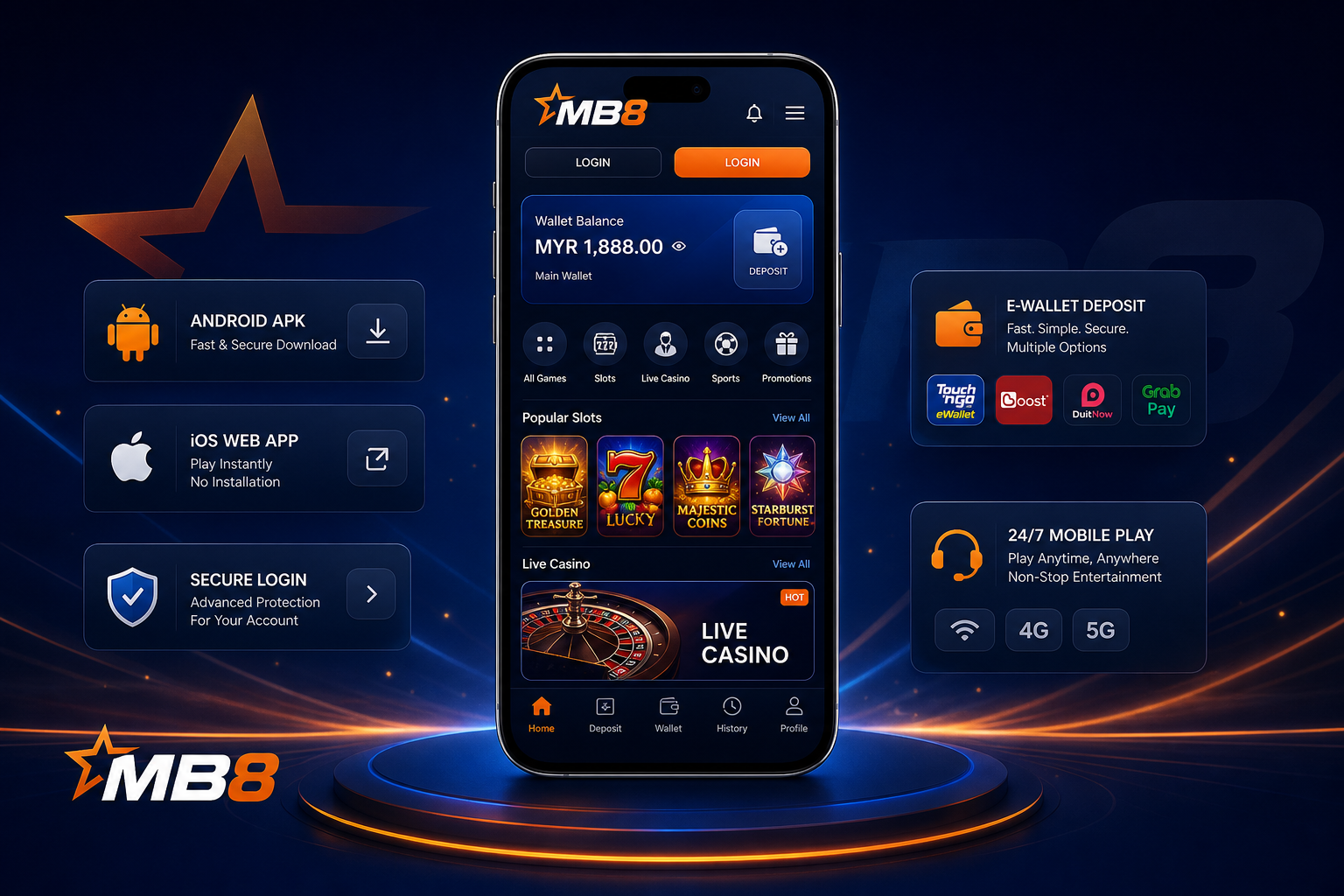
Download MB8 App Malaysia
MB8 app is mainly for players who do not want to open a laptop just to check balance, claim a bonus or play a few slot rounds. The mobile lobby keeps the same account and wallet, but removes most of the desktop clutter: games, wallet, promotions and login sit closer together.
There are two common routes. Android players look for the MB8 APK download. iPhone players normally use the mobile web app through Safari, then save it to the Home Screen if they want an app-like shortcut. Both access the same account covered on the MB8 Malaysia main page.
Do not treat every "MB8 APK" file online as safe. Old mirrors and reposted files are a real problem in this niche. Use the live download path from the account area, not a random file shared in a Telegram group or forum thread.
Where the MB8 App Helps
The app is not a new casino. It is a cleaner way to use the same MB8 account from a phone.
Less tapping around
Slots, live casino, sports and promotions are easier to reach from the bottom menu. That sounds small until you are switching between wallet, bonus page and game lobby on a 6-inch screen.
Wallet checks before play
The mobile wallet is the first place to check after a Touch 'n Go, DuitNow or bank transfer deposit. Do it before opening a fast slot. Once the game loads, it is easy to miss the actual balance change.
One saved entry point
Save the app page or mobile login once. Searching “mb8 apk” every time is how players end up on old files, copied landing pages and login screens that do not belong in the flow.
Quick, not careless
The app is convenient for short sessions: a bonus claim, one sports ticket, a few slot or casino game rounds. It is also easier to rush. Set the stake before the first round, especially on crash or high-volatility slots.
MB8 APK Download vs iOS Web App
Android and iPhone do not handle casino apps the same way. That is why one player talks about APK, while another only needs a browser shortcut.
| Option | Use It When | How It Opens | Risk Point |
|---|---|---|---|
| MB8 APK | You want a dedicated Android icon and faster return access | APK file installs as an app after Android permission approval | Wrong APK source, outdated build, blocked install permission |
| Mobile Web App | You use iPhone or do not want an installed APK | Safari opens the mobile site; Home Screen shortcut is optional | Fake login pages, old saved tabs, browser autofill on shared phones |
| Browser Login | You only need quick access once in a while | Chrome, Safari or another mobile browser | Slower navigation, more accidental tab switching during play |
How To Download MB8 App on Android
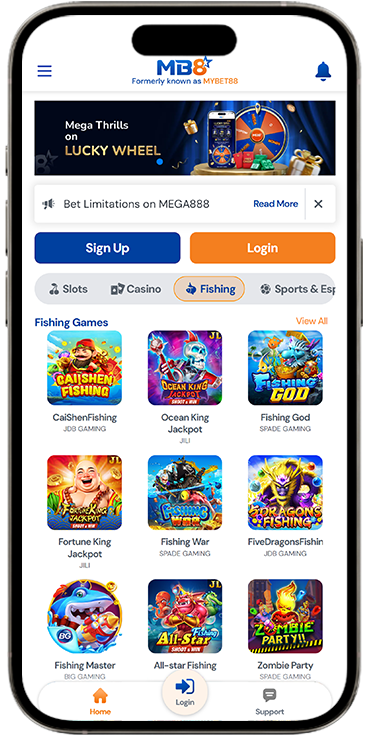
MB8 APK download is simple when the file is current. The messy part is Android permissions. Some phones block APK installation by default; others allow it but show a warning before the install screen.
That warning is normal for APK files, but it should not make you ignore the source. If the file name looks strange, the download size is different from what the page showed, or the phone tries to install another app first, stop.
- Open the download areaChoose the Android APK option from the mobile account flow. Avoid APK files sent as attachments.
- Let the file finishDo not tap the APK while the browser is still downloading. Failed installs often come from half-downloaded files.
- Allow this install onlyIf Android asks for permission, approve the browser once. After installation, disable that permission again if your device allows it.
- Login and check the walletOpen the app, sign in, confirm the account name and MYR balance. Then deposit or play.
MB8 App for iPhone
On iPhone, do not waste time hunting for an APK. iOS does not install Android packages. Use Safari, open the mobile version, log in, then add the page to the Home Screen if you want a regular app icon.
Avoid configuration profiles. A casino web app should not need one for normal browser play.
The mobile web version should still cover the main areas: slots, live casino, sports, promotions, wallet and account settings. If a live casino table or slot opens in landscape, rotate the phone before betting. Doing it mid-round can resize the game and make controls awkward.
Mobile Play Without a Separate Account
No second registration, no separate slot wallet, no "mobile-only" balance. The app opens the same account you use in the browser, so deposits, promotions and game history stay in one place.
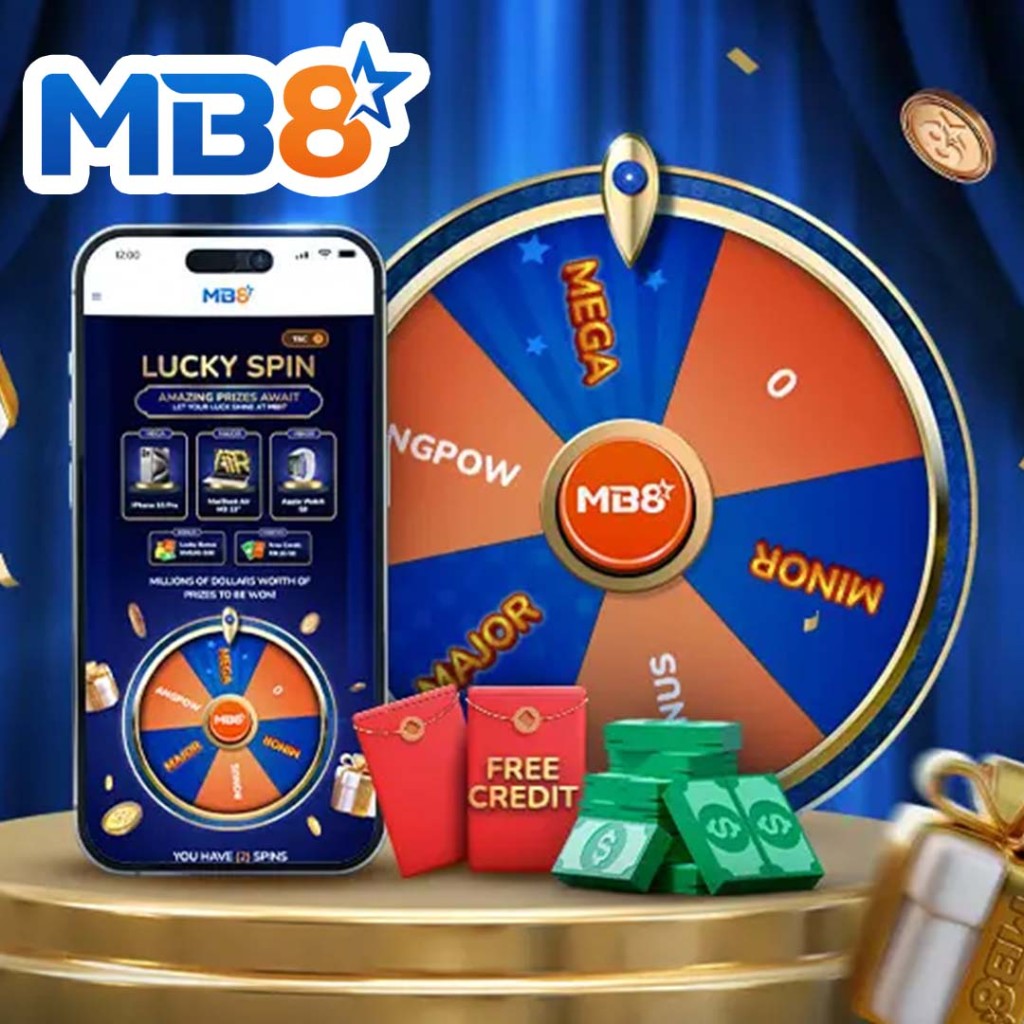
Promotions such as lucky spin or free credit are easier to check from mobile because the reward page sits next to wallet and game history instead of being buried in a desktop menu.
MB8 Login App: What To Check Before Playing
MB8 login app should ask for the same account credentials you already use. It should not ask for bank PINs, e-wallet passwords or OTP codes outside the normal payment flow.
After login, look at the wallet before anything else. Is the balance in MYR? Did the last deposit arrive? Is a bonus already active? Those three details decide what you can do next. If you are unsure which bonus to claim first, the promotions page breaks down the conditions.
One more thing: close old browser tabs. Many mobile login problems come from players opening yesterday's tab, getting a stale session, then trying to log in again from the APK at the same time.
Mobile Payments and E-Wallet Use
The app works best when the payment app is on the same phone. Touch 'n Go, DuitNow and bank transfer steps are faster because you can move between MB8 and the banking screen without switching devices.
Keep the transaction receipt until the MB8 wallet updates. If the deposit is delayed, the reference number is more useful than a vague “I already paid” message.
Withdrawals deserve a slower pace. Confirm the payment method, minimum withdrawal amount and any active wagering requirement before sending the request. This is not the part of the app to rush through while walking or half-watching a match.
App Safety Notes
Delete old APK files after updating. They sit in the Downloads folder, get renamed by Android, and later nobody remembers which one was current.
Do not share OTP codes with anyone claiming to be support. Real support does not need your one-time password to “verify” a withdrawal.
If you use a shared phone, do not save the password. Log out. It is boring advice, but it prevents the most common mobile account problem: someone else opening the app after you.
MB8 App FAQ
Practical answers for download, APK install, iPhone access and login problems.